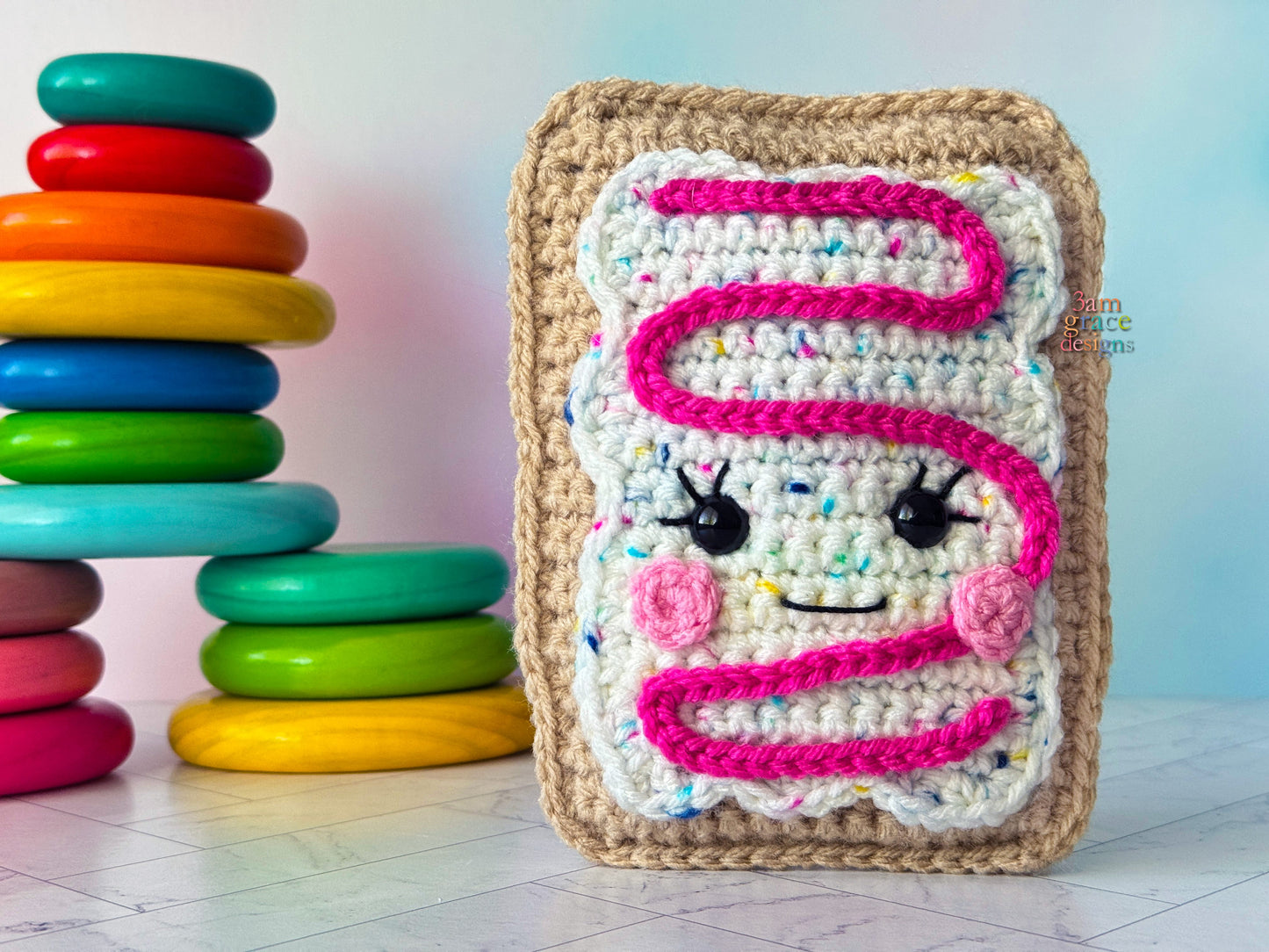
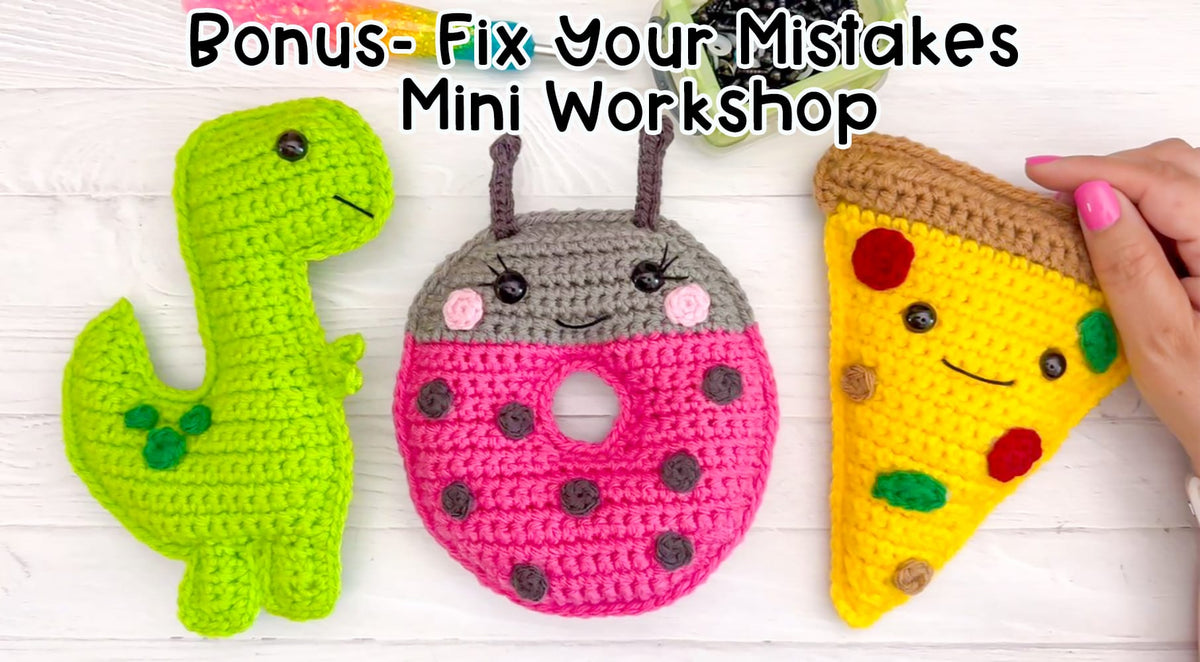
Join today and receive our fast action bonuses at no extra cost: *The Beginner Pattern Pack™ - 5 Mini Kawaii Cuddler patterns perfect for when you're first starting out! *Fix Your Mistakes Mini Workshop™ - A Mini Workshop that shows you how to fix common Kawaii Cuddler® mistakes so you can keep going without getting frustrated or starting over. __________________________
Make your first Crochet Toaster Pastry Plushie this weekend even as a complete beginner.
Within your first hour: Feel confident using crochet tools, yarn, and the essential beginner stitches.
Within your first day: Read crochet patterns without feeling confused or overwhelmed.
By the end of the weekend: Complete your first Crochet Toaster Pastry Plushie and feel proud, calm, and excited to keep creating. __________________________
The Old Way
*Requires you to work in the round, which can feel overwhelming in the very beginning.
*Traditional methods that make simple projects seem harder than they need to be.
*Instructions that assume you already know the basics.
The New Way
*Work in flat panels using simple rows, so you can make adorable plushies without learning to crochet in the round.
*A simplified, beginner-friendly method that helps you start creating cute projects while you're still learning.
*Clear, step-by-step instruction that teaches you the basics as you go, so you're never left wondering what to do next. __________________________
Phase 1: Learn the tools & stitches
Phase 2: Crochet your first plushie __________________________
This is a work at your own pace program!
You’ll get:
*Beginner Supply Guide A complete shopping guide with my recommended yarn, hooks, and supplies, so that you can confidently gather everything you need and start crocheting without second-guessing your purchases.
*Crochet Quick Reference Guide Printable cheat sheets for yarn weights, hook sizes, and crochet abbreviations, so that you spend less time searching for answers and more time confidently creating.
*Video Stitch Library A library of every individual stitch taught in the course, so that you can quickly refresh your memory anytime you need a little extra guidance instead of feeling stuck or overwhelmed.
*Toast Pastry Kawaii Cuddler® Tutorial A full start-to-finish video walkthrough of the Toaster Pastry Kawaii Cuddler®, so that you can see exactly how all the pieces come together as you create your very first crochet plushie. __________________________
This isn't just another crochet course.
What Students Are Saying: ⭐️⭐️⭐️⭐️⭐️ “I tried crochet three times before…your course is the one that finally made it click”. - Savannah
⭐️⭐️⭐️⭐️⭐️ “Donna made me realize I didn’t have to crochet perfectly. I finished my first Kawaii Cuddler® and can’t wait to make more!” - Kari
⭐️⭐️⭐️⭐️⭐️ “Crochet has become my favorite way to unwind after a stressful day. Crocheting helps quiet my mind. Thanks Donna!” - Rachel
⭐️⭐️⭐️⭐️⭐️ “I never thought I’d say this, but I LOVE crocheting. I even signed up to sell at my first market this fall!” - Leslie
No complicated methods. No intimidating patterns. Just a beginner-friendly approach that works. __________________________
This Course Was Made For You If You…
*Have always wanted to learn to crochet but don't know where to start.
*Have tried crochet before and felt overwhelmed or frustrated.
*Dream of making adorable plushies for yourself, your family, or even to sell one day.
*Want a creative hobby that helps you through emotional struggles
*Are willing to learn, practice, and celebrate progress instead of chasing perfection.
This course probably isn't for you if you...
*Want to master advanced crochet techniques right away.
*Are looking for complicated, traditional amigurumi methods.
*Expect to master crochet without taking the time to practice.
*Aren’t interested in making cute crochet plushies.
*Want to crochet in-the-round to create plushies __________________________
Guarantee
If you complete the course and still don't feel confident making your first crochet plushie, book a free 1:1 review session with me and we'll work through it together. __________________________
Investment
Learn to Crochet the Kawaii Cuddler® Way $37
Includes: *4 Beginner Crochet Modules *Printable Guides & Checklists *Video Stitch Library *Access for the lifetime of the course *Bonus: The Beginner Pattern Pack™ - 5 Mini Kawaii Cuddler patterns perfect for when you're first starting out! *Bonus: Fix Your Mistakes Workshop™ - A Mini Workshop that shows you how to fix common Kawaii Cuddler® mistakes so you can keep going without getting frustrated or starting over. __________________________
Ready to Learn to Crochet the Kawaii Cuddler® Way?
If this sounds like exactly what you've been looking for, here's what happens next:
Step 1: Click "Add to Cart" and complete your purchase.
Step 2: Download your Beginner Supply Guide so you can gather everything you need before getting started.
Step 3: Keep an eye on your inbox! You'll receive your course portal access email within 24 hours, and then it's time to start crocheting. __________________________
P.S. The moment you join you’ll be sent the Beginner Supply Guide so you can begin gathering your supplies!
Choosing a selection results in a full page refresh.
PayPal Pay Later Messaging
Step 1: Choose message placement
Click the button below and then hover over your page to select a placement.
Step 2: Paste and save
You have copied the placement for the Product Page.
Go back to the App Embeds section, and in the Paypal Advanced Settings, paste the copied value into the
Product Page field and click the 'Save' button in the top right corner.